Field training
Preparation, checks, calibration, operation, data safety, and survey closing procedures.
Our deliveries include installation, training for field and processing teams, documentation, and technical support according to the commercial proposal.
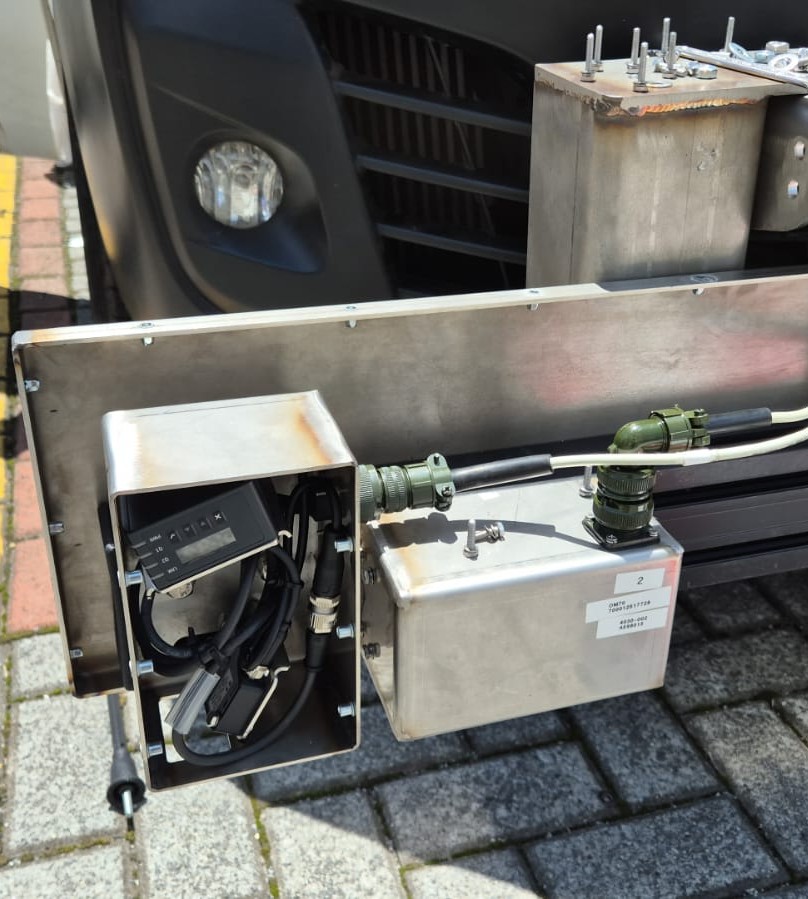
During in-person training, we present best practices for operation, calibration, processing, maintenance, and preservation of the equipment. The goal is to prepare the client’s team to work with autonomy, safety, and traceability throughout the survey workflow.
By the end of the training, the team is ready to operate the system, execute surveys, and fully use the equipment resources. For B Infra, it is not enough to deliver a high-quality solution; it is essential to ensure that the client has the knowledge and confidence to use it efficiently and safely.
Preparation, checks, calibration, operation, data safety, and survey closing procedures.
Project organization, processing, analysis, review, and deliverable generation.
Support for analyzing sensors, power, communication, cameras, GNSS, DMI, and log files.
Manuals, procedures, updates, licenses, and materials specific to the contracted solution.
Note the equipment, version, date, usage condition, and what was being executed.
Keep logs, files, images, and screenshots before restarting or changing settings.
Send an objective description and explain the operational impact.
Follow the agreed guidance and confirm the result to close the request.
Use the contact form and select "Technical support" as the subject.